Exploding Topics
Remineralizing Gum search volume grew from under 100 to 27,100 monthly searches between February 2024 and January 2026.
Remineralizing gum
+5100%
GLP 1 Supplement search volume grew from 5,920 to 74,000 monthly searches between February 2024 and January 2026.
GLP 1 supplement
+1150%
Soursop Bitters search volume grew from 9,900 to 110,000 monthly searches between March 2024 and February 2026.
Soursop bitters
+1011%



Get Advanced Insights on Any Topic
Discover Trends 12+ Months Before Everyone Else
How We Find Trends Before They Take Off
Exploding Topics’ advanced algorithm monitors millions of unstructured data points to spot trends early on.
Keyword Research
Performance Tracking
Competitor Intelligence
Fix Your Site’s SEO Issues in 30 Seconds
Find technical issues blocking search visibility. Get prioritized, actionable fixes in seconds.
Powered by data from
Latest Blog Posts
Featured Case Studies
See what's trending before everyone else
Each week, we'll send you our best Exploding Topics. Plus, expert insight and analysis.
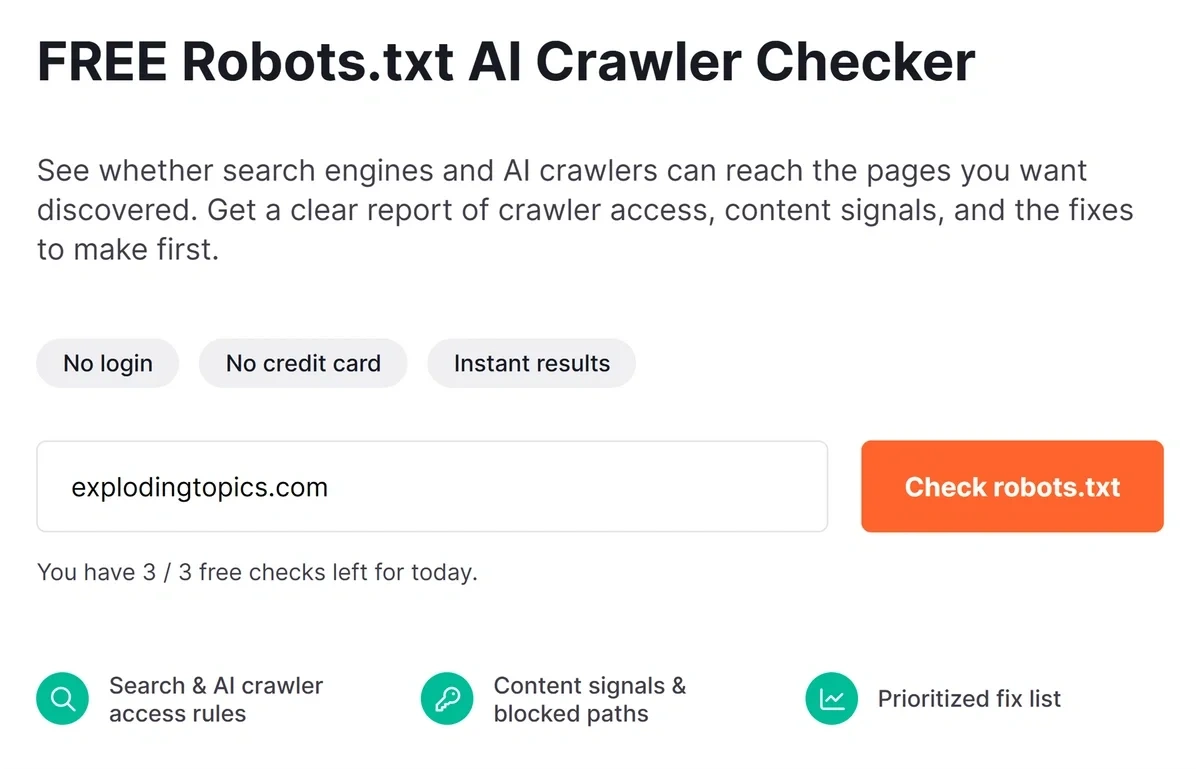
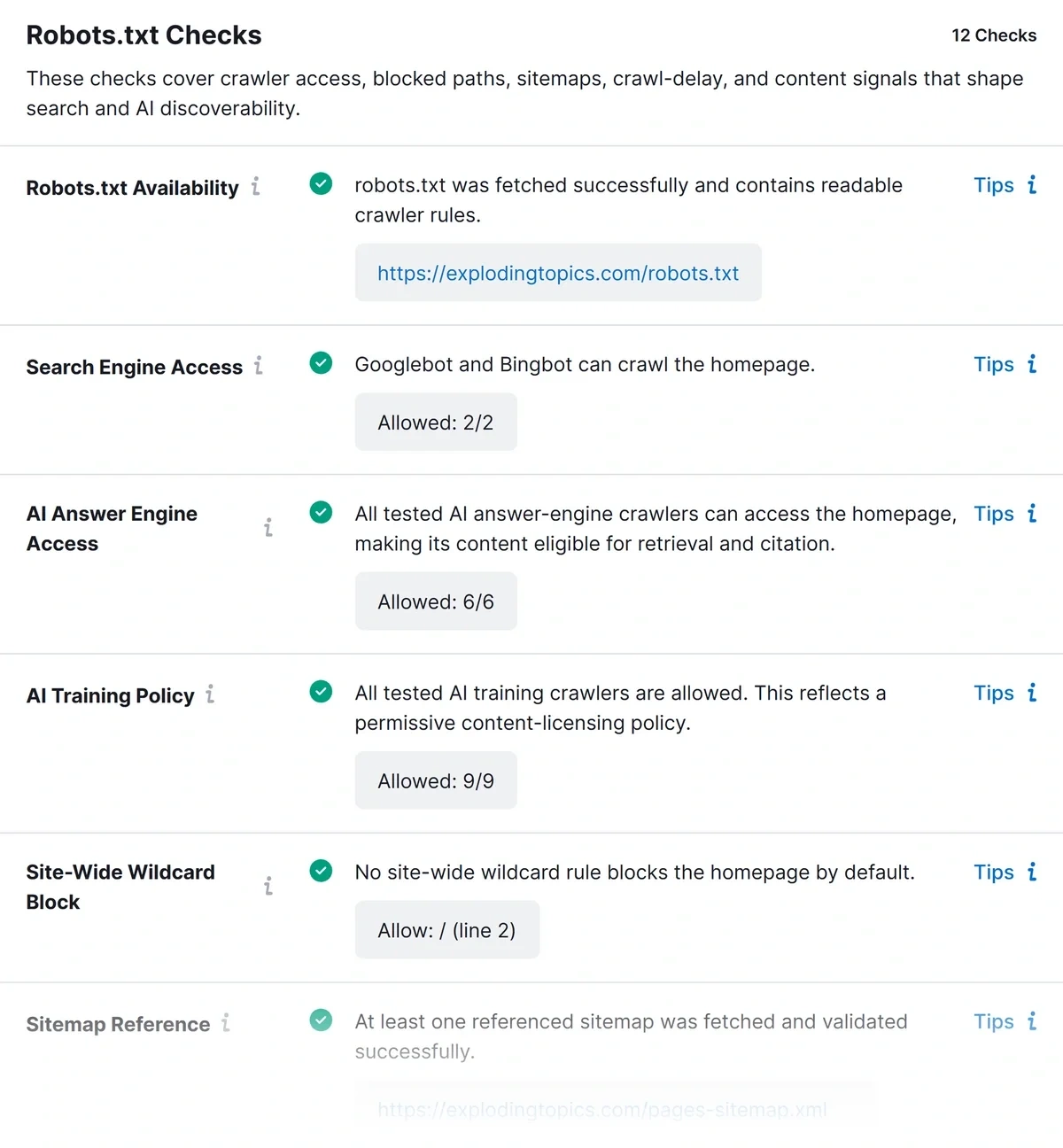
What Is The Robots.txt AI Crawler Checker?
The Robots.txt AI Crawler Checker is a free tool that audits your website’s visibility across traditional search engines and AI platforms.
As search diversifies and more AI crawlers emerge, your robots.txt file plays an important role in gatekeeping access.
This tool instantly checks any domain’s crawl directives, showing you exactly which search crawlers, AI search bots, and LLM training agents can access your content.
Any syntax errors or unintended blocks are clearly revealed.
With a single scan, you gain total clarity over your site's crawlability.
What Do Your Crawler Audit Results Mean?
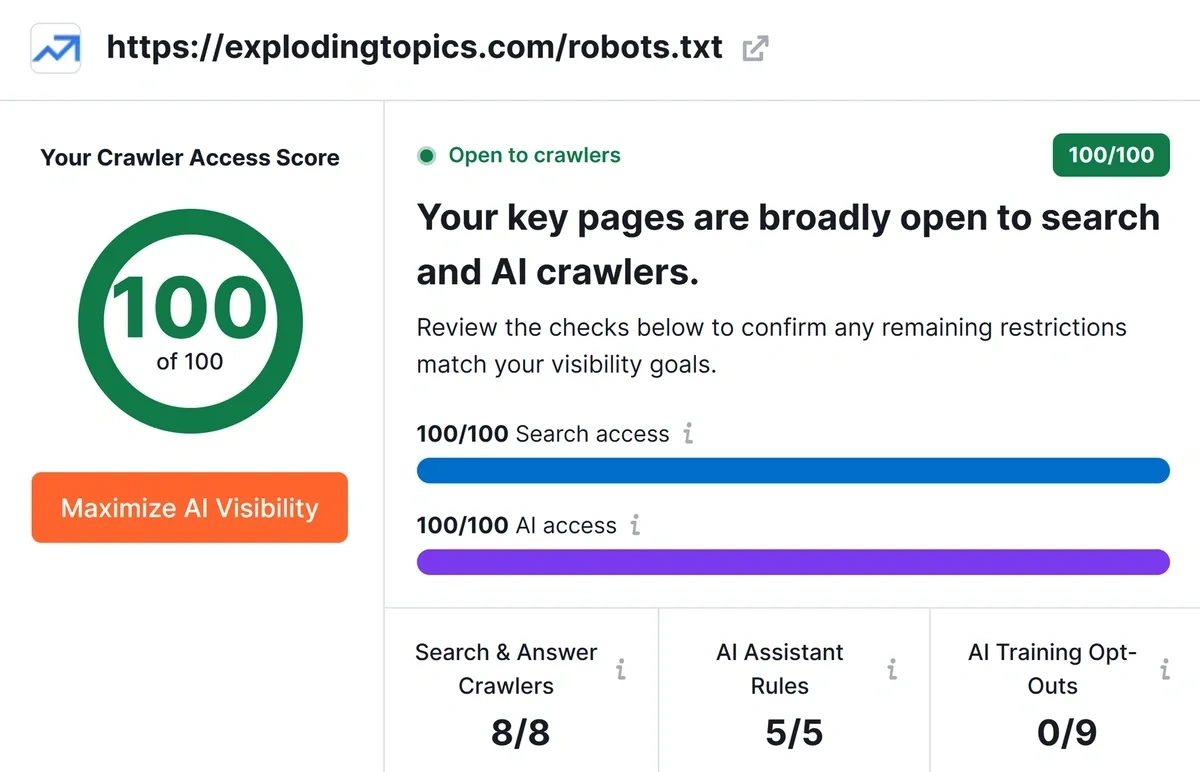
The tool breaks down complex crawler rules into clear, actionable metrics:
- Crawler Access Score (0–100): A comprehensive score representing how accessible your website is to essential web crawlers without compromising core architecture.
- Search Crawlers Allowed: Number of search engine bots permitted to crawl your root directory.
- AI Crawlers Allowed: The count of generative AI search engines and answer bots currently authorized to parse your pages.
- AI Training Opt-Outs: Highlights how many explicit opt-out directives you have configured to block AI model training agents.
Verify Your AI Search Engine Access Status
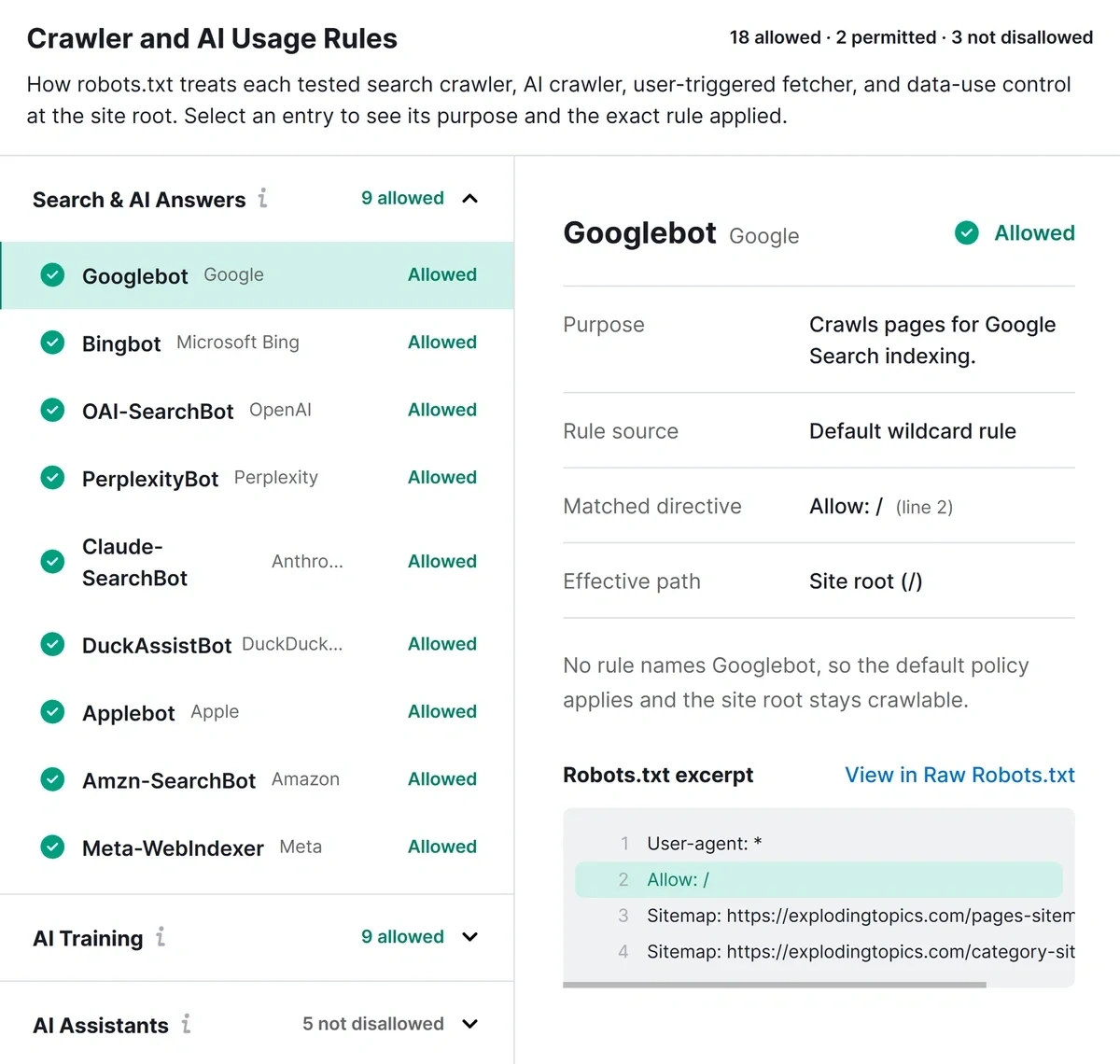
Generative search platforms rely on real-time web access to fetch sources and cite brands. Our checks reveal your exact standing across three distinct bot categories:
- Search & AI Answer Engines: Confirms whether discovery bots (Googlebot, Bingbot, OAI-SearchBot, PerplexityBot, Claude-SearchBot, Applebot, DuckAssistBot) can reach and index your core pages to cite your brand as a source in search answers.
- AI Training Crawlers: Audit access for background scraping agents (GPTBot, ClaudeBot, Google-Extended, Applebot-Extended, CCBot, Bytespider, Meta-ExternalAgent) to verify whether your content is being harvested to train LLM models.
- Real-Time AI Assistants: Validates access for live user-agent queries (ChatGPT-User, Claude-User, Perplexity-User), ensuring AI tools can fetch live web pages and perform tasks on your site on demand.
Test Key URL & Sitemap Accessibility
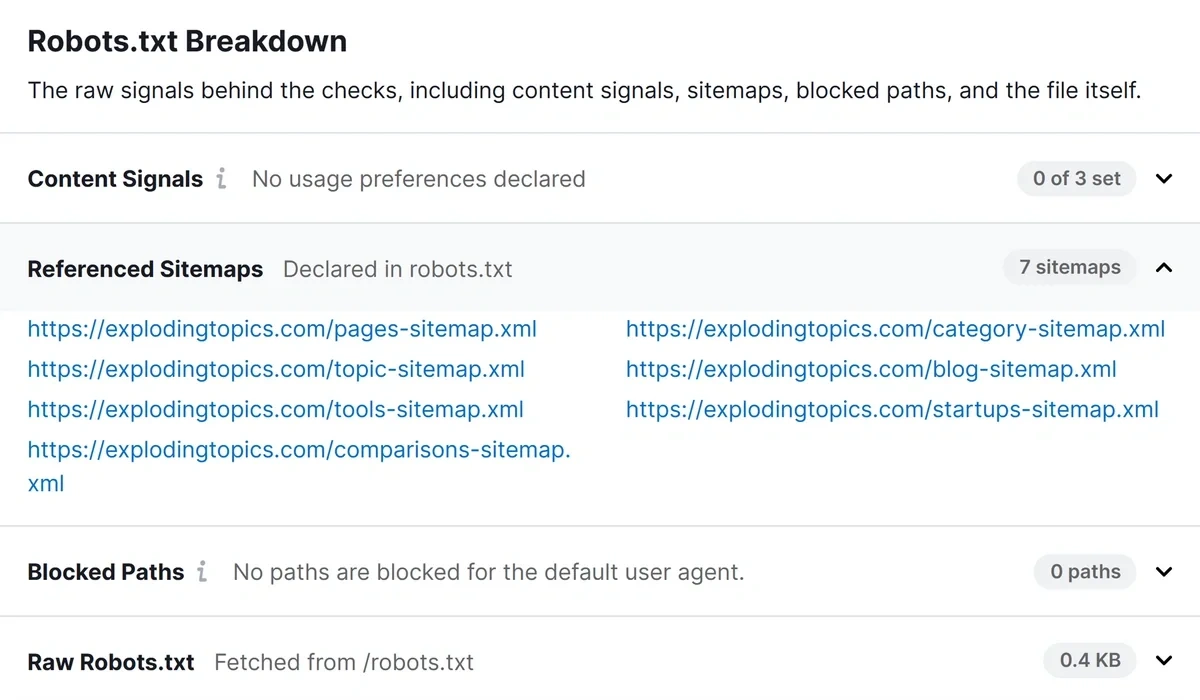
This tool goes beyond simply validating your robots.txt to simulate actual crawler paths against your site structure:
- Sitemap Validation: Ensures all sitemaps referenced in your robots.txt are reachable, and free of crawler restrictions.
- Key Page Path Checks: Tests crucial subpages (such as /about, /case-studies, and key product templates) directly against Googlebot and AI Answer Engines to verify that subfolder restrictions aren't blocking conversion paths.
- Crawl-Delay Diagnosis: Detects heavy delay directives that might cause fast-moving AI agents to time out before scraping your content.
Who Is The Free AI Crawler Checker For?
- SEO Professionals: Audit sites to ensure full crawler accessibility across both traditional SERPs and generative engines like ChatGPT, Perplexity, Gemini, and Claude.
- Content Creators & Digital Publishers: Protect content from unauthorized LLM model training while preserving discoverability in AI search engines.
- Web Developers & Technical Auditors: Audit robots.txt updates to catch errors or accidental disallow rules for websites.
- E-Commerce Managers & Enterprise Brands: Ensure real-time shopping bots and live AI user assistants can access live pricing, stock updates, and product specs without interruption or delays.
Exploding Topics Pro is trusted by 1,200+ teams worldwide.
How We Find Trends
We track topics across the internet to identify under-the-radar trends before they go mainstream.
Analyze
Our trend identification process begins with a comprehensive data collection from a variety of online sources.
- Social media platforms
- Search engines
- Online forums and communities
- News articles and blogs
- E-commerce websites
- Podcasts
Identify
Our proprietary machine learning models are designed to detect the absolute earliest signs of an emerging trend.
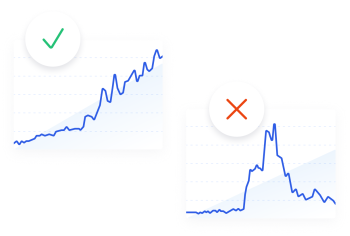
- Analyze historical data to identify growth patterns
- Predict future trends based on current data trajectories
- Detect sudden spikes in interest or activity around specific topics
Curate
While our algorithms are powerful, human expertise is crucial for contextual understanding, ensuring quality topics.
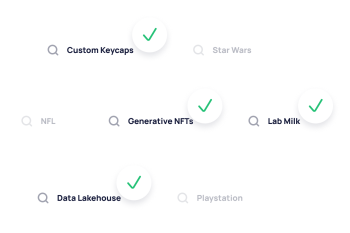
- Review the top-scoring trends identified by our models
- Validate the authenticity and relevance of these trends
- Filter out fads (movies, TV shows, celebrity gossip, etc.)
- Provide qualitative insights to complement quantitative data
Get Exclusive Access to Emerging Trends
Stay ahead of the competition with a 7-day free trial of Exploding Topics Pro.
1.1M+ trends in our growing database. Pro plans starts at $1.29/day.
Powered by
FAQ
Everything you need to know about using our features and getting the most out of them.
Is this tool 100% free to use?
Yes. The Robots.txt AI Crawler Checker is completely free to use. You can run instant audits on any domain to inspect crawler permissions, syntax integrity, and key URL accessibility.
What is a robots.txt file, and why is it critical for AI search?
A robots.txt file is a plain text file at your website's root directory that instructs automated web crawlers which URL paths they can or cannot access. The file determines whether traditional search crawlers like Google can index your page, and also whether generative AI answer engines can read and cite your site when answering user queries.
What is the difference between an AI Answer Bot and an AI Training Bot?
AI Answer Bots (e.g., OAI-SearchBot, PerplexityBot) crawl the web in real-time to fetch up-to-date sources for live queries. Blocking them prevents your site from being cited as an answer source.
AI Training Bots (e.g., GPTBot, CCBot) scrape vast amounts of content to train and fine-tune future LLM models. Blocking these is a licensing choice that’s entirely up to you. It does not impact your real-time search visibility.
Does blocking AI training crawlers hurt my traditional Google rankings?
No. Blocking standalone training bots like GPTBot or Google-Extended does not affect your standard search rankings on Google or Bing, provided your primary search user-agents (Googlebot, Bingbot) remain allowed.
What are Content Signals in robots.txt?
Content Signals (search, ai-input, ai-train) are optional emerging standardized directives used to explicitly declare how third parties may use your content (search indexing, generative AI answers, or LLM training) without relying purely on individual bot blocks.
Why is my site showing a lower Crawler Access Score?
A lower score usually indicates critical crawl blockers, such as a site-wide Disallow: / directive, missing sitemaps, syntax issues, or heavy crawl-delay settings that impede search and AI bots from properly reading your site.
How do I fix an accidental site-wide block in my robots.txt?
If your report flags a site-wide block, inspect your raw robots.txt for the line Disallow: / under User-agent: *. To open your site to all crawlers, replace it with Allow: / or remove the disallow line entirely, then test the URL again using this validator.